Home search
Delete a search agent and stop emails
You can pause a search agent, edit its wishes or delete it permanently from your account.
How to do it
- 1
Open your account
Log in and choose Search agent in the account menu.
- 2
Find the right search agent
Each row shows area, price, rooms, property type and the latest email.
- 3
Choose pause, edit or delete
Pause the agent to stop emails temporarily, edit the criteria, or choose Delete to remove it permanently.
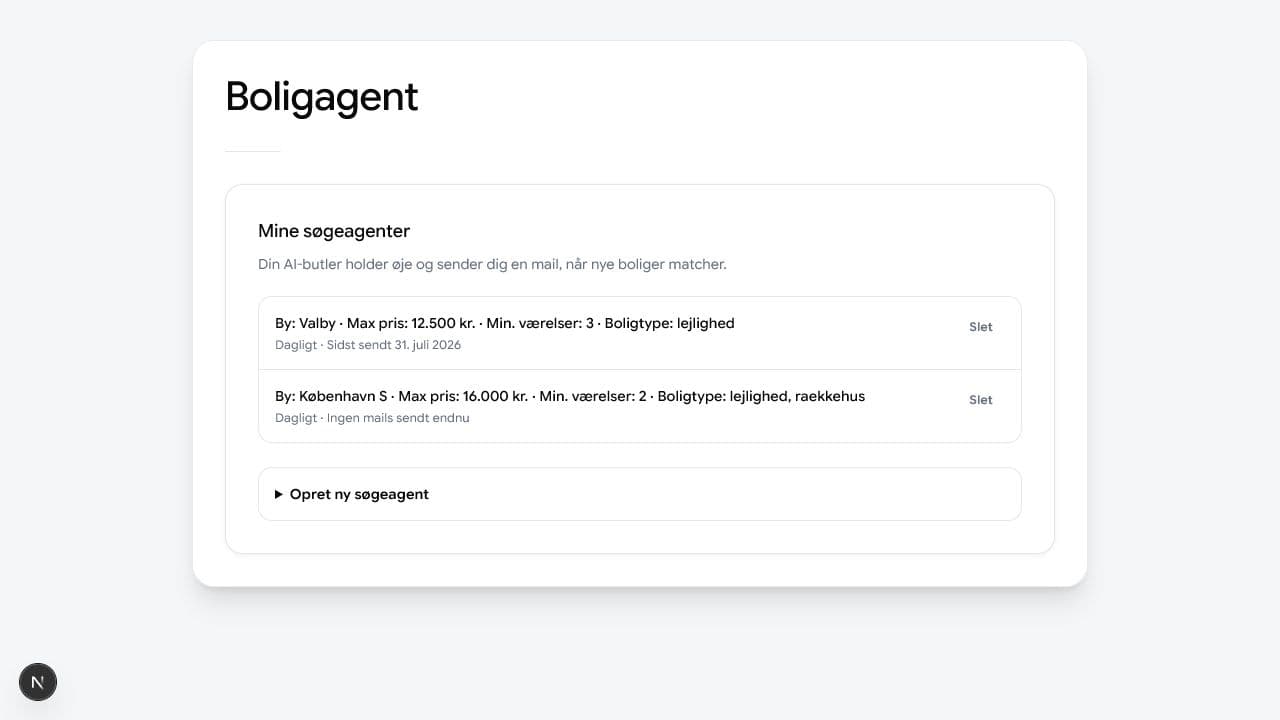
Only delete the search agent you no longer want emails from. - 4
Confirm only for permanent deletion
Deletion asks for a clear confirmation. Your other search agents continue unchanged.