How can we help you?
Find a quick answer, or follow a step-by-step guide.

Find help by topic
Choose the part of BoligButler you need help with.
Home search
Find, save and follow the homes that fit you.
Contact & tenant CV
Make your message personal and send it from your own email.
Account & subscription
Get help with login, payment, cancellation and your data.
Popular guides
See exactly where to click in BoligButler.
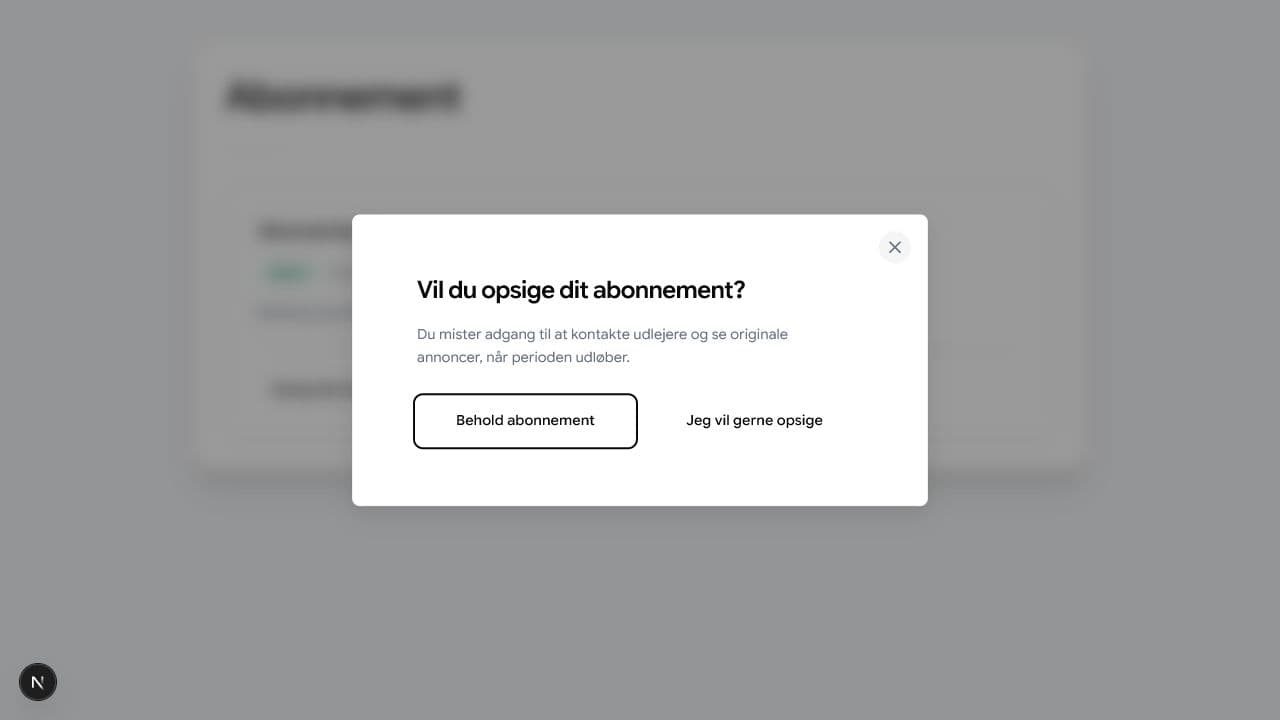
How to cancel your subscription
Cancel from your account. Access normally continues until the paid period ends.
Read guide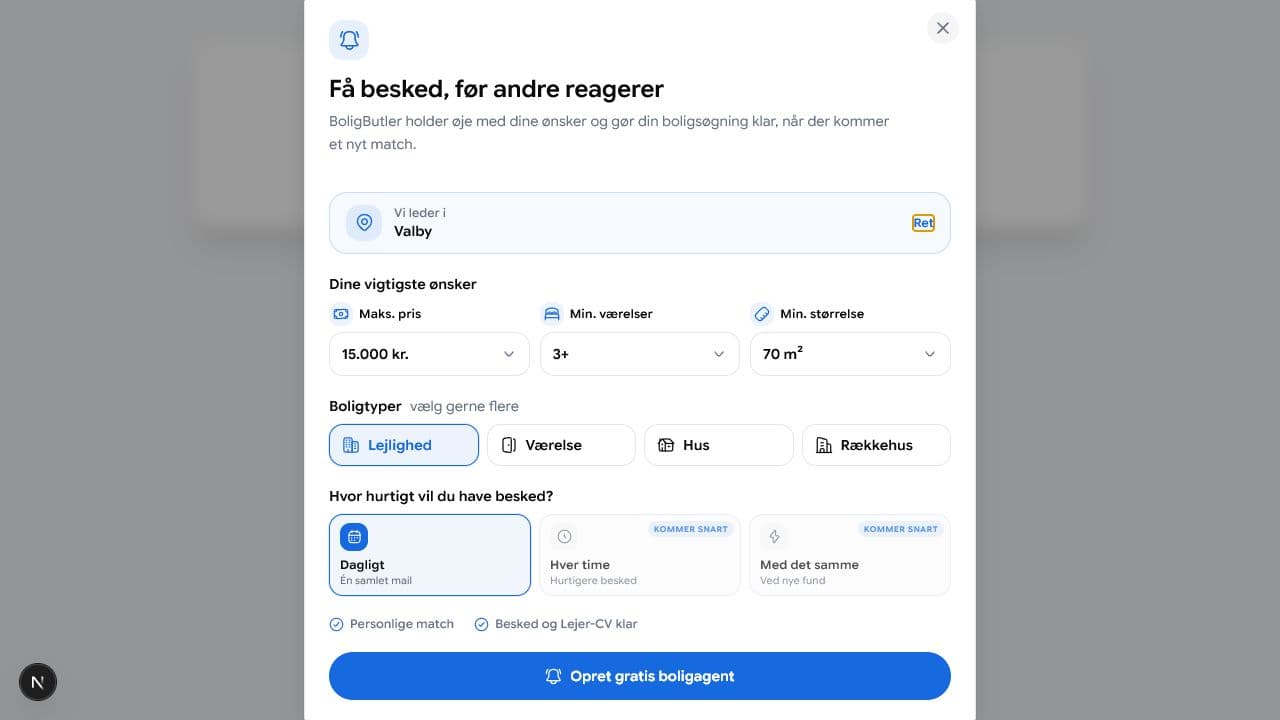
Create a search agent
Get a free daily email or instant Premium alerts when new homes match your search.
Read guide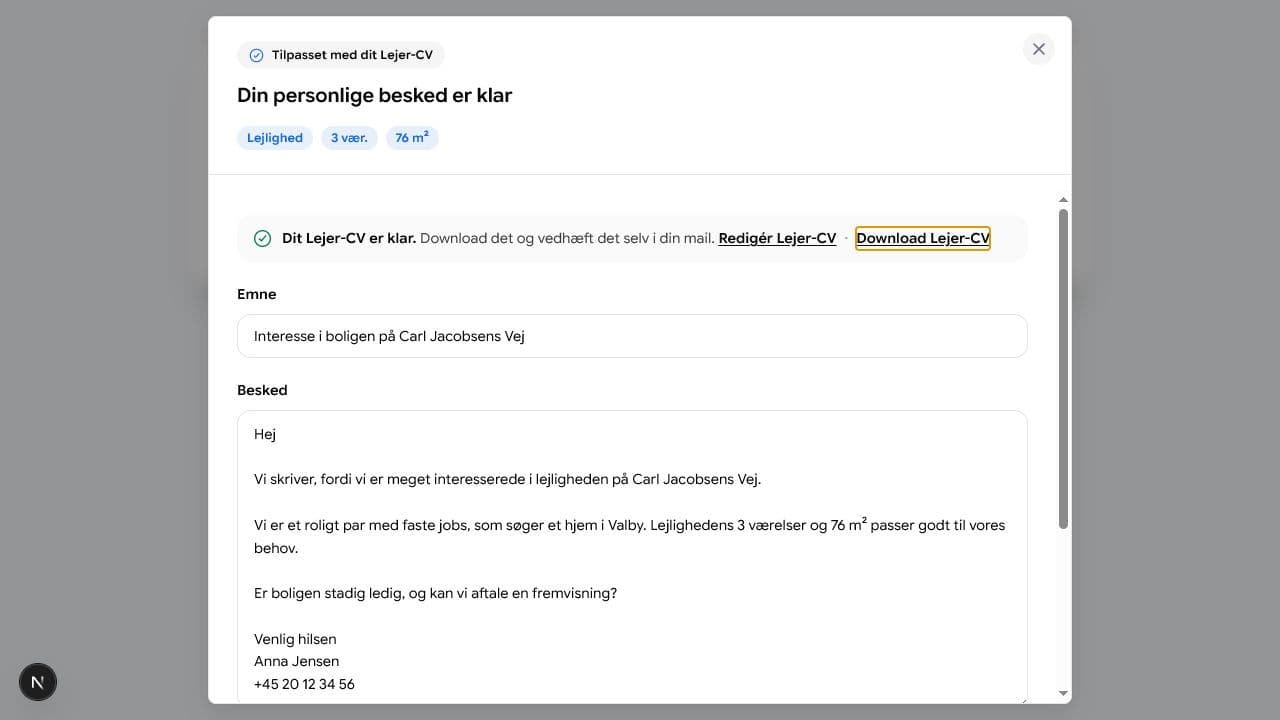
Write to the landlord
Unlock contact details and send the message from your own email.
Read guideFrequently asked questions
Short answers to what we are asked most often.
What can I use BoligButler for free?
You can search and filter rentals, save favourite homes and create a daily search agent. Premium is required for the contact feature and tenant CV download.
Can I have several search agents?
Yes. You can create different search agents for different areas and housing wishes.
Does BoligButler send my message to the landlord?
No. BoligButler prepares the message, but you review and send it yourself from Gmail, Outlook or your own mail programme.
Is my tenant CV shared automatically?
No. Your tenant CV is private by default. You can download it as a PNG and attach it yourself, or voluntarily turn on visibility for manually verified landlords with an active, approved listing. Email, phone and nationality are never shown in landlord search, and visibility can be turned off again under Tenant CV.
What do I do if I cannot log in?
Check that you use the right email, and choose Forgot password on the normal login. If you received a login link in an embedded flow, an old link may have expired; ask for a new one.
Can't find the answer?
Write to info@boligbutler.dk, and we will help you further.