Account & subscription
Create an account, log in and reset your password
You can log in with a password or a one-time login link. An old link may have expired.
How to do it
- 1
Open Log in
Use the email address on your account.

Den almindelige loginformular bruger e-mail og adgangskode. - 2
Enter your details
Continue with password or a login link sent to your email.
- 3
Use Forgot password
We send a reset link to your email.
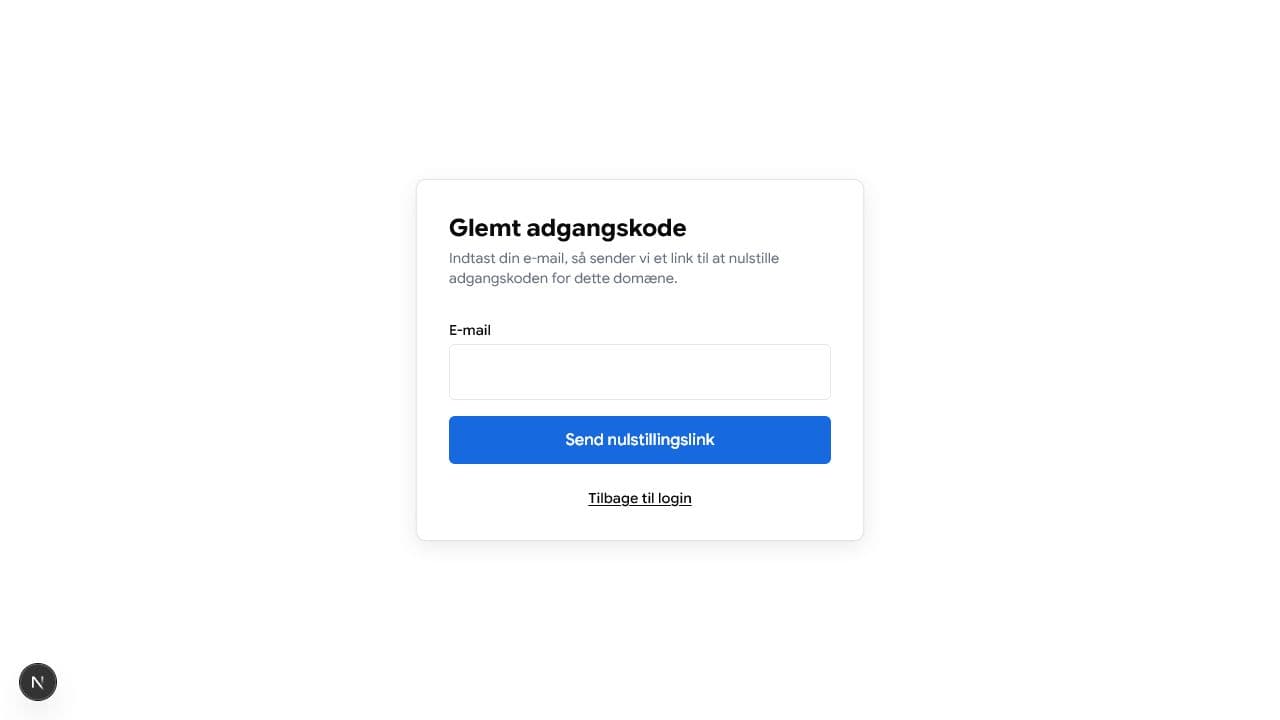
Indtast din e-mail for at få et nulstillingslink. - 4
Check your inbox
Open the latest email from BoligButler. Older links may have expired.