Account & subscription
How to cancel your subscription
Cancellation is done under Account → Subscription. You keep access until the end of the already paid period.
How to do it
- 1
Open Account
Log in and choose Subscription in the account menu.
- 2
Tap Cancel subscription
Follow the confirmation on the page.
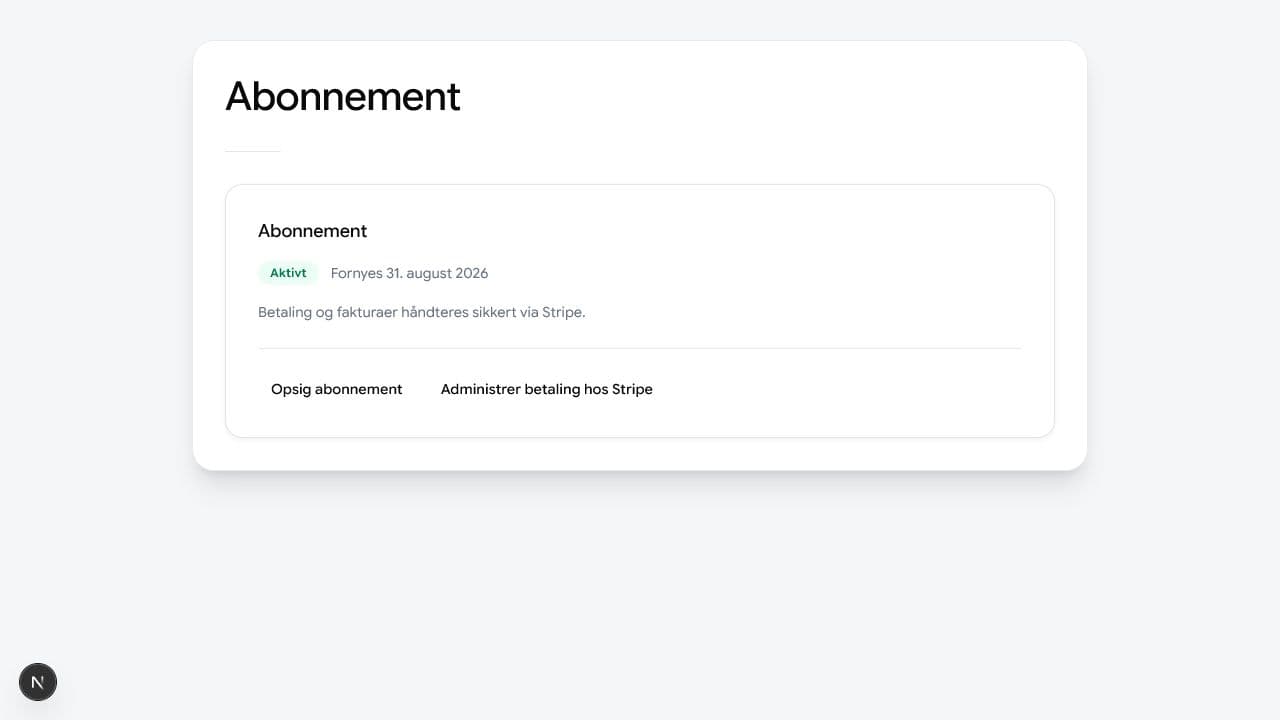
You cancel from your own account. - 3
Choose I want to cancel
Confirm that you want to stop renewal.
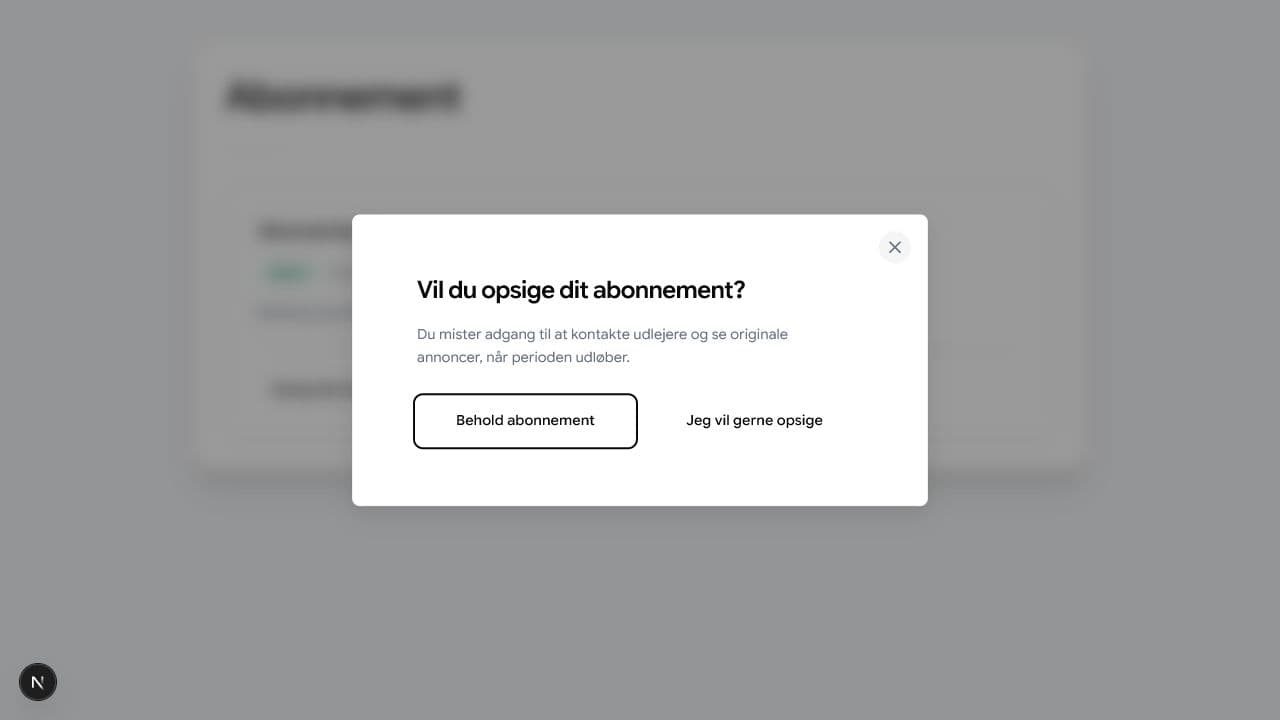
Første trin forklarer, hvornår Premium-adgangen ophører. - 4
Confirm the cancellation
The page confirms that the subscription will end after the paid period.
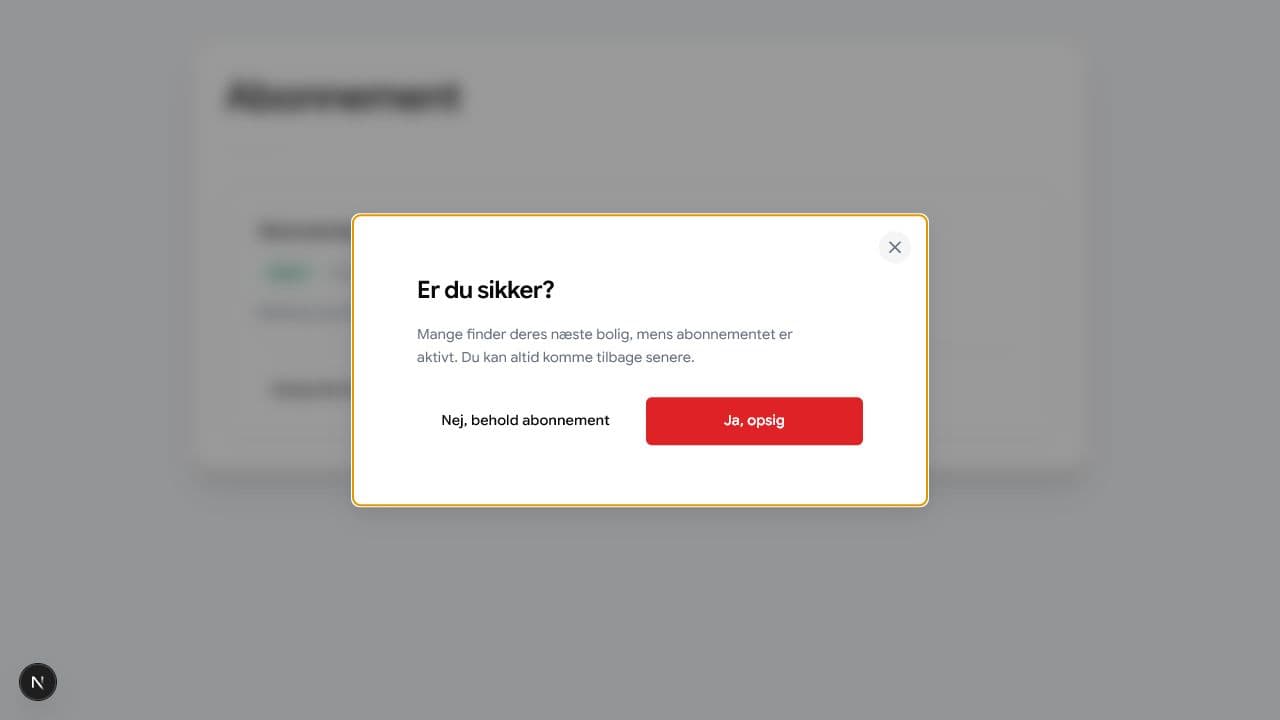
Opsigelsen gennemføres først, når du har bekræftet den. - 5
Check the end date
The page shows when access ends after cancellation.