Contact & tenant CV
Write to the landlord
BoligButler prepares the message, but you always review and send it yourself from Gmail, Outlook or your own mail app.
How to do it
- 1
Open a listing
Choose the home you want to enquire about.
- 2
Unlock contact
Use the contact button. An active subscription is required for contact details.
- 3
Review the message
Edit the text so it is personal before you send it.
- 4
Send from your own email
The email opens with the message ready. Attach your tenant CV yourself if you want.
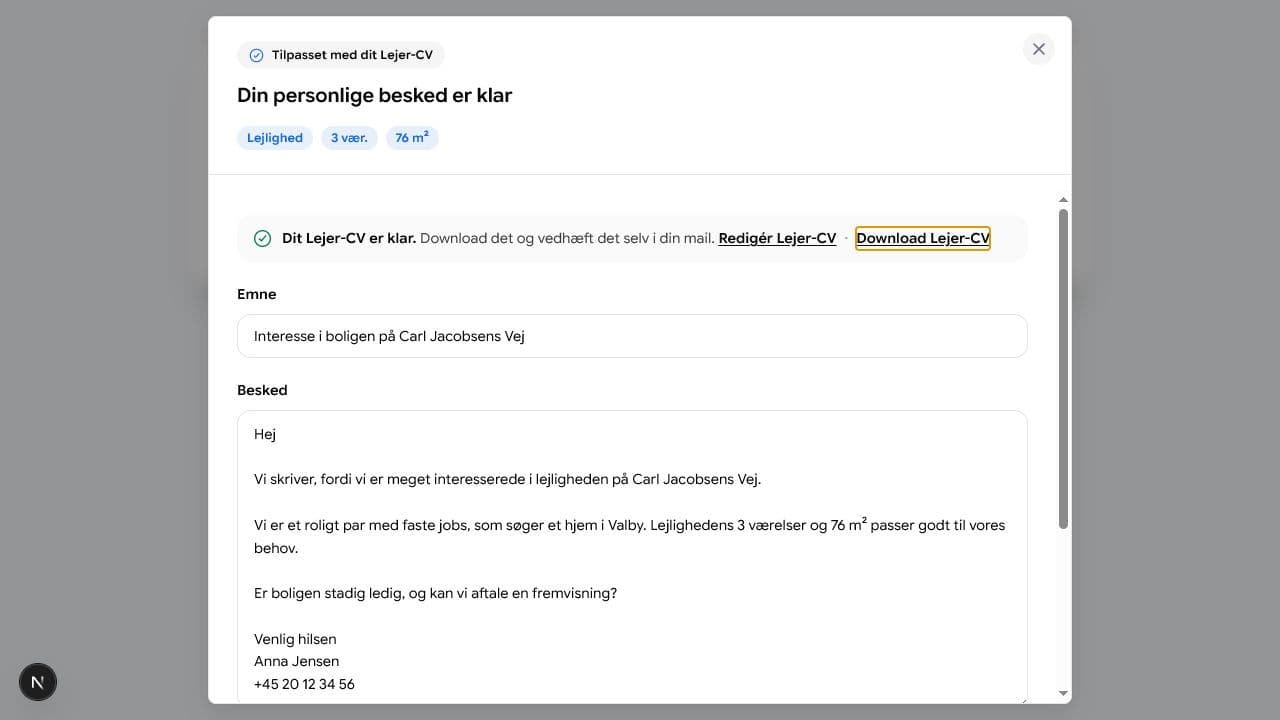
You send the email yourself from your own mail programme.